Easy to explore
Organise dishes into categories, show clear prices and keep availability current.

Good service starts with a simple scan.
Put your menu in your guest’s hands. A QR code opens dishes, details and ordering in the browser they already use.
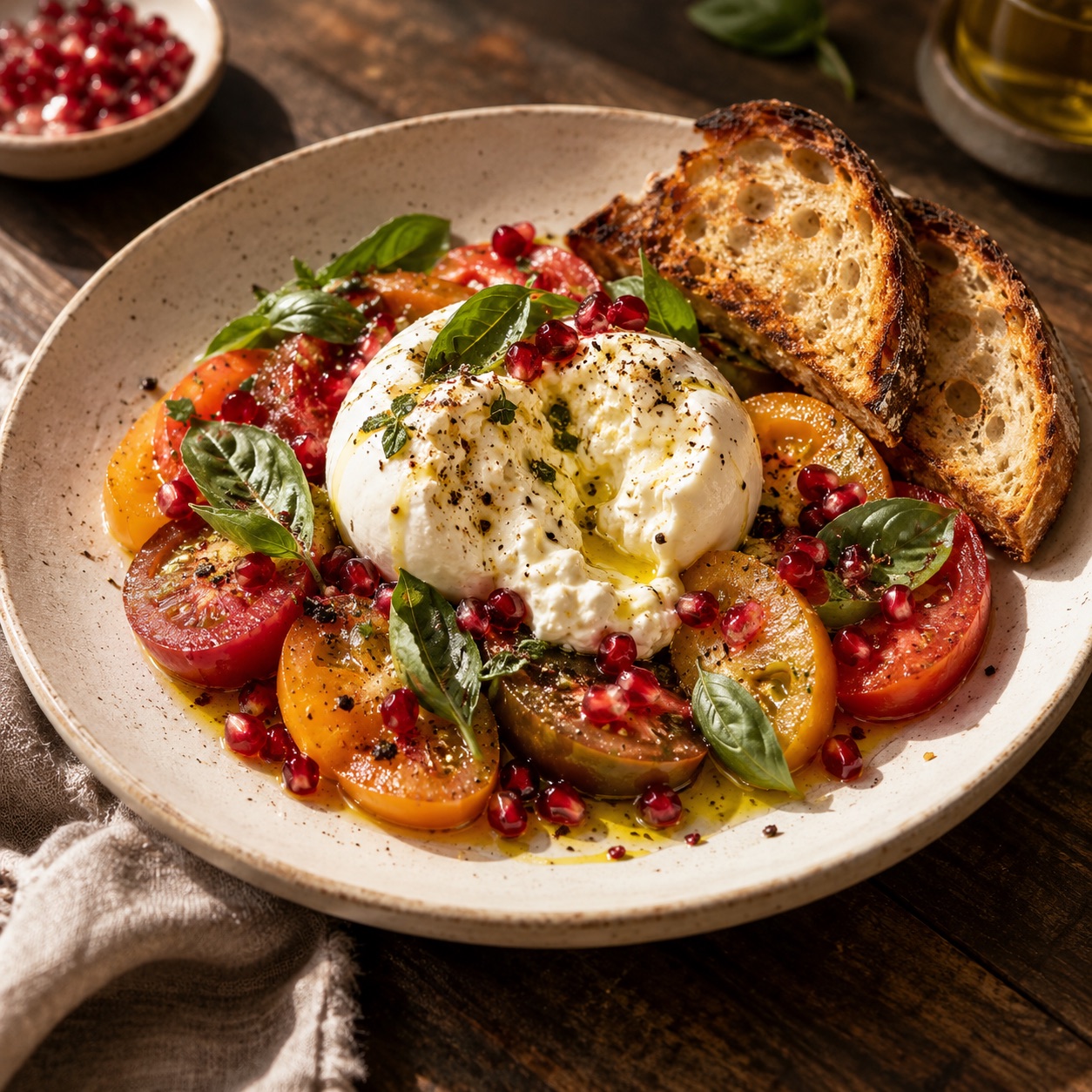
Sweet tomatoes, basil & sourdough.
$16.00Illustrative menu · Generate your scannable code in the workspace.
More than a link
Organise dishes into categories, show clear prices and keep availability current.
Add your verified nutrition, allergens and meat origin beside each dish.
Guests choose additions, leave a note and follow their receipt as the order progresses.
Set the table
Review your dishes, descriptions and prices, then make the menu available to guests.
Select the menu and add optional branch and table details in the QR section.
Download the SVG and test the printed code at the table on the restaurant network.
Your next service starts here
Build your menu, review the details and share it when you are ready.